Remote Partners AI

Freshdesk support

Freshdesk support outsourcing for ticket queues, SLA follow-up, canned responses, and escalation.

Remote Partners AI can support Freshdesk workflows through trained agents who handle approved ticket triage, canned-response replies, status updates, tags, internal notes, SLA follow-up, and escalation routing. Keep refunds, legal questions, sensitive account changes, and unusual customer promises with the internal owner unless a written approval path exists.

FreshdeskTicket queuesSLA follow-upCanned responsesEscalation
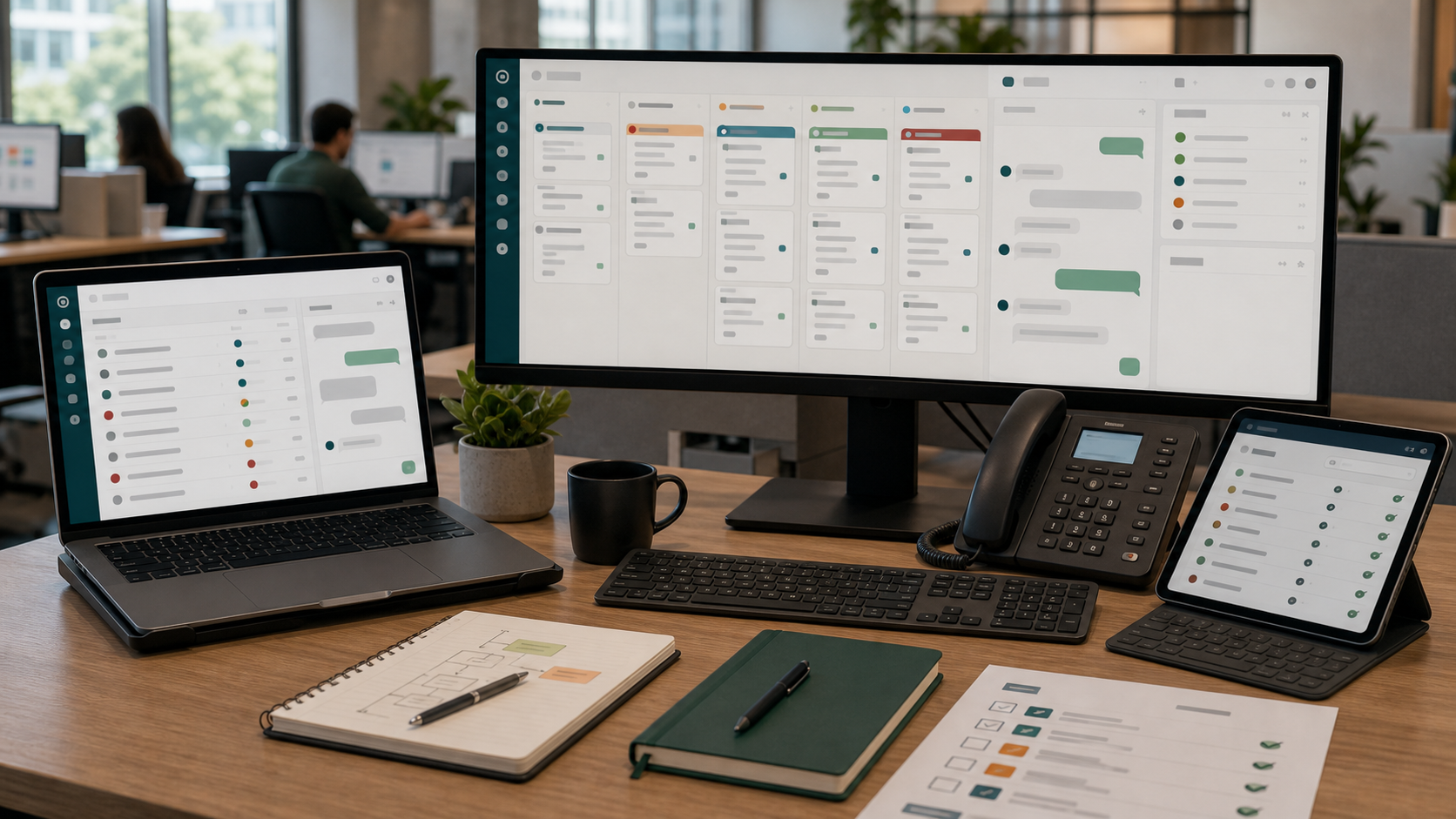
Freshdesk-style support desk with ticket queue, canned response, SLA status, escalation note, and QA review panels.

Direct answer

Can Remote Partners AI support Freshdesk workflows?

Remote Partners AI can support Freshdesk workflows through trained agents who handle approved ticket triage, canned-response replies, status updates, tags, internal notes, SLA follow-up, and escalation routing. Keep refunds, legal questions, sensitive account changes, and unusual customer promises with the internal owner unless a written approval path exists.

  • Start with one repeatable queue before expanding platform access.
  • Keep sensitive decisions, policy exceptions, and unusual promises internally owned.
  • Review QA samples and escalation logs before adding more channels.
Best first scope New-ticket triage, canned-response replies, tags, internal notes, and SLA-risk follow-up.
Keep internal Refund approvals, policy exceptions, legal issues, account-risk decisions, and sensitive customer commitments.
Setup control Define groups, ticket types, canned responses, SLA rules, escalation examples, and QA scoring.

Freshdesk workflow

How Freshdesk support moves from intake to QA review

The safest first launch keeps support agents inside approved daily execution tasks while the client owner controls sensitive decisions and edge cases.

01

Ticket enters Freshdesk

A customer request lands through email, chat, portal, phone notes, or another connected support channel.

02

Agent triages the queue

The agent checks ticket type, status, priority, tags, group, customer context, and SLA timing.

03

Reply or route happens

The agent sends approved canned responses, adds internal notes, changes status, or routes to the right owner.

04

Exceptions escalate

Policy exceptions, refunds, angry customers, urgent outages, or sensitive issues route back to the client owner.

05

QA reviews outcomes

Managers review response accuracy, tone, tagging, SLA follow-up, escalation timing, and unresolved queues.

Outcome Customers get faster follow-up, queues stay cleaner, and escalation patterns are visible before small misses become customer-facing failures.

Good first tasks

What a remote Freshdesk support team can handle.

The cleanest first month is recurring execution work that can be scripted, sampled, reviewed, and improved without giving away control of sensitive decisions.

  • Triage Freshdesk tickets by topic, priority, group, owner, and SLA risk.
  • Use approved canned responses and knowledge-base links for repeatable questions.
  • Add tags, internal notes, customer context, and escalation markers.
  • Follow up on pending, stale, or unresolved tickets inside documented rules.
  • Prepare exception lists for refunds, outages, billing, account risk, or policy decisions.
  • Support QA review with ticket samples, tag hygiene, and coaching themes.

Setup checklist

Give the support team operating rules before giving them more access.

Platform support works when permissions, response rules, handoff language, blocked actions, and QA expectations are documented before live volume grows.

01

Document groups, ticket types, status rules, priority definitions, SLA rules, and ownership handoffs.

02

Approve canned responses, internal-note standards, tag definitions, and blocked actions.

03

Define which tickets can be solved, followed up, escalated, or returned to the client team.

04

Create examples for routine questions, angry customers, refund requests, outages, and urgent issues.

05

Limit access to the queues, fields, and actions the first support scope needs.

06

Review QA samples weekly before adding more queues or channels.

Hiring model

Automation, freelancer, or managed offshore team?

The right choice depends on whether the buyer needs narrow task help, software automation, or a managed support team with coverage, QA, backup, and escalation ownership.

Model
Best use
Watchout
Automation only
Useful for routing, canned replies, and repetitive queue movement
Still needs human judgment, QA, and escalation for edge cases
Direct freelancer
Can help with narrow triage or backlog cleanup
Usually needs more owner time for coverage, backup, and QA
Managed offshore team
Best for recurring queue coverage, SLA follow-up, escalation discipline, and QA continuity
Needs canned responses, access rules, and blocked actions before launch

Buyer intent

Why this page exists.

Buyers searching for Freshdesk support usually already have the software. The harder question is who will keep the queue moving, where escalation stops, and how the work will be reviewed after real customers arrive.

FAQ

Questions buyers ask before outsourcing Freshdesk support.

What Freshdesk work can be outsourced first?

Start with ticket triage, tags, canned-response replies, internal notes, SLA-risk follow-up, stale-ticket cleanup, and escalation routing.

Can outsourced agents solve Freshdesk tickets?

Yes, when the ticket type, allowed response, status rule, and escalation boundary are documented. Sensitive decisions should stay internal unless separately approved.

Is Remote Partners AI a Freshdesk integration or certified partner?

No formal integration or certified partner claim should be made unless separately verified. This page describes trained support agents operating inside an approved Freshdesk workflow.

What should be documented before Freshdesk support starts?

Document groups, status rules, SLA definitions, canned responses, tags, internal-note standards, escalation examples, QA samples, and blocked actions.