Remote Partners AI

HVAC dispatch guide

How AI-assisted dispatch works for HVAC support.

AI-assisted HVAC dispatch is not fully automated dispatch. It is a managed workflow where AI helps with intake, routing context, note drafts, and QA signals while trained agents follow approved scripts and human escalation rules.

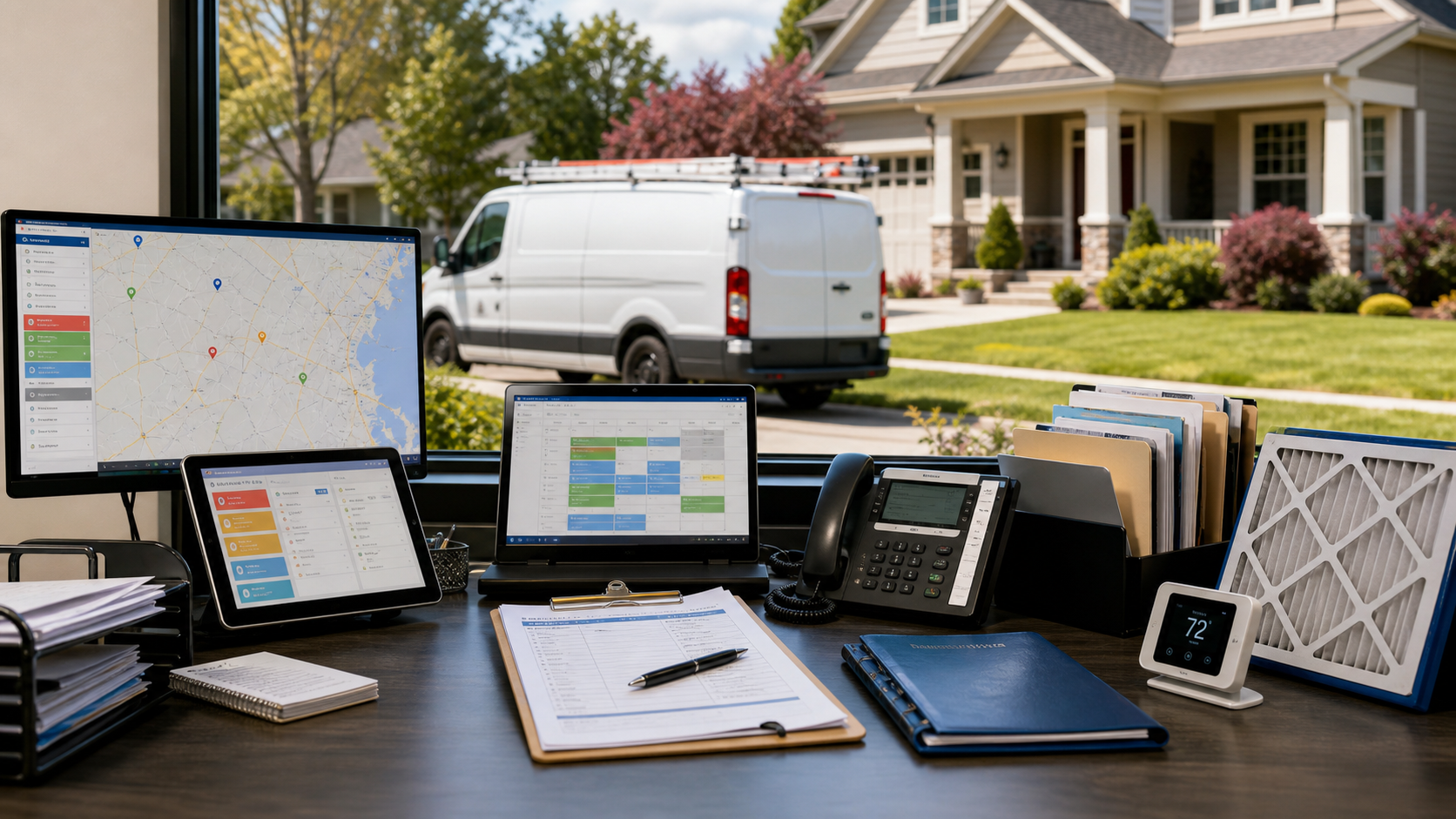
HVAC dispatch desk with route screens, service tickets, thermostat, filter, and vans outside a suburban home.

Dispatch answer

What does AI actually do in HVAC dispatch?

AI supports the repetitive layer: call summaries, routing context, missing-field checks, draft notes, and QA signals. Humans still confirm the caller, apply the triage script, decide whether the call is inside scope, and escalate calls that need dispatcher, technician, owner, safety, pricing, warranty, or customer-relationship judgment. Watch the short answering service dispatch explainer for the buyer-facing version of this handoff boundary.

Workflow table

AI assist versus human control in an HVAC dispatch workflow.

How AI and human support divide responsibility during HVAC dispatch calls
Workflow stage What AI can assist What humans control
Call intake Summarizes caller intent, address, equipment issue, and preferred window. Agent confirms details, tone, urgency, and required fields before moving the call forward.
No-heat/no-cool triage Highlights symptoms, seasonality, customer history, and possible urgency signals. Agent follows the client's approved triage script and escalates risky or unclear calls.
Booking and routing Suggests the next workflow step based on documented rules and available context. Agent books only inside approved boundaries or sends the case to dispatch for judgment.
System notes Drafts concise notes, tags, and summary language for review. Agent checks accuracy before updating ServiceTitan, Housecall Pro, Jobber, FieldEdge, or another approved tool.
QA and escalation Flags missing fields, unusual patterns, sentiment, or possible policy exceptions. Team leads review samples, coach agents, and route exceptions back to the HVAC company.

Launch path

How to start without losing control of dispatch decisions.

Step 1

Define the first HVAC call type

Start with one call category such as no-heat intake, no-cool intake, after-hours overflow, maintenance callbacks, or estimate requests.

Step 2

Document the booking boundary

Write down what agents may book, what they may only document, which fees or windows may be quoted, and when dispatch must decide.

Step 3

Map software fields

List the required screens, job types, service zones, business units, notes, tags, and customer-history checks inside the approved software workflow.

Step 4

Launch with QA review

Review real call notes, escalation decisions, booking attempts, and blocked actions before adding more call types or longer coverage hours.

FAQ

Common HVAC dispatch questions.

What is AI-assisted HVAC dispatch?

AI-assisted HVAC dispatch is a managed support workflow where AI helps with intake, summaries, routing prompts, draft notes, and QA signals while trained agents follow the HVAC company's approved booking, triage, and escalation rules.

Can AI-assisted dispatch replace an HVAC dispatcher?

No. The safer model protects the dispatcher by moving repeatable intake, note capture, callbacks, and approved booking support to a trained team while dispatch judgment, safety questions, pricing exceptions, and unclear calls stay with internal owners.

Can agents update ServiceTitan during HVAC calls?

Agents can update ServiceTitan only when the HVAC company approves user-seat access, allowed screens, required fields, booking boundaries, and QA rules. This is ServiceTitan-aware workflow support, not a claim of native integration or certified Marketplace partner status.

What HVAC call types should be handled first?

Good first call types include after-hours no-heat and no-cool intake, missed-call recovery, appointment confirmations, maintenance callbacks, estimate follow-up, and dispatch-ready notes for routine service requests.